MAICON / PRESET LIBRARY01
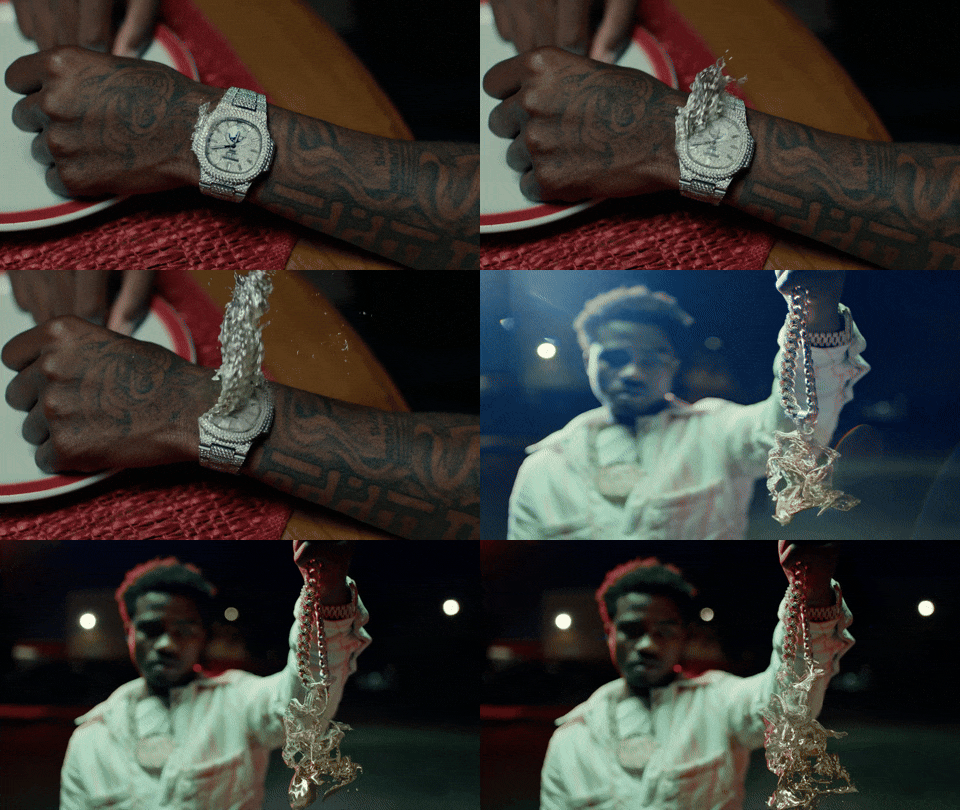
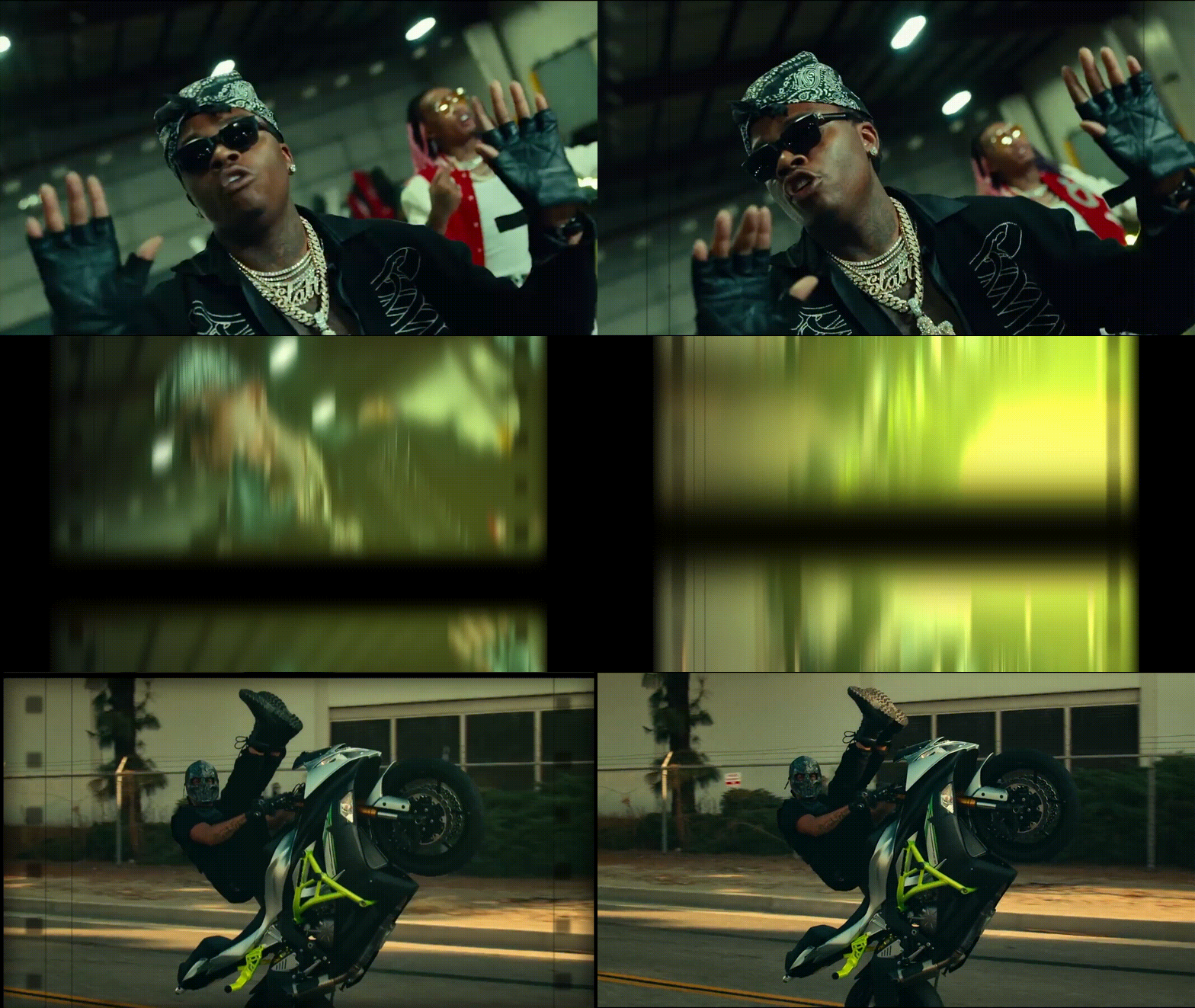
FLASH TRANSITIONS
▾ Flash Transitions
Camera Flash
Camera Flash — Bold
Camera Flash — Fast
Camera Flash — Pulse
Camera Flash — Soft
Flash 1
Flash 1 — Bold
Flash 1 — Fast
Flash 1 — Pulse
Flash 1 — Soft
Flash 2
Flash 2 — Bold
Flash 2 — Fast
Flash 2 — Pulse
Flash 2 — Soft
Flash 3
Flash 3 — Bold
Flash 3 — Fast
Flash 3 — Pulse
Flash 3 — Soft
Flash 4
Flash 4 — Bold
Flash 4 — Fast
Flash 4 — Pulse
Flash 4 — Soft
Flash Heavy
Flash Heavy — Bold
Flash Heavy — Fast
Flash Heavy — Pulse
Flash Heavy — Soft
Flash Light
Flash Light — Bold
Flash Light — Fast
Flash Light — Pulse
Flash Light — Soft
Flash Soft
Flash Soft — Bold
Flash Soft — Fast
Flash Soft — Pulse
Flash Soft — Soft
Grunge Invert 01
Grunge Invert 01 — Bold
Grunge Invert 01 — Fast
Grunge Invert 01 — Pulse
Grunge Invert 01 — Soft
Heavy Flash Blur
Heavy Flash Blur — Bold
Heavy Flash Blur — Fast
Heavy Flash Blur — Pulse
Heavy Flash Blur — Soft
Invert Flash
Invert Flash — Bold
Invert Flash — Fast
Invert Flash — Pulse
Invert Flash — Soft
Shine Glow
Shine Glow — Bold
Shine Glow — Fast
Shine Glow — Pulse
Shine Glow — Soft
Shutter Flash 1
Shutter Flash 1 — Bold
Shutter Flash 1 — Fast
Shutter Flash 1 — Pulse
Shutter Flash 1 — Soft
Shutter Flash 2
Shutter Flash 2 — Bold
Shutter Flash 2 — Fast
Shutter Flash 2 — Pulse
Shutter Flash 2 — Soft
Shutter Flash 3
Shutter Flash 3 — Bold
Shutter Flash 3 — Fast
Shutter Flash 3 — Pulse
Shutter Flash 3 — Soft
Shutter Flash 4
Shutter Flash 4 — Bold
Shutter Flash 4 — Fast
Shutter Flash 4 — Pulse
Shutter Flash 4 — Soft
Shutter Flash 5
Shutter Flash 5 — Bold
Shutter Flash 5 — Fast
Shutter Flash 5 — Pulse
Shutter Flash 5 — Soft
Vintage Flash 1
Vintage Flash 1 — Bold
Vintage Flash 1 — Fast
Vintage Flash 1 — Pulse
Vintage Flash 1 — Soft
Vintage Flash 2
Vintage Flash 2 — Bold
Vintage Flash 2 — Fast
Vintage Flash 2 — Pulse
Vintage Flash 2 — Soft
Vintage Flash 3
Vintage Flash 3 — Bold
Vintage Flash 3 — Fast
Vintage Flash 3 — Pulse
Vintage Flash 3 — Soft
Vintage Flash 4
Vintage Flash 4 — Bold
Vintage Flash 4 — Fast
Vintage Flash 4 — Pulse
Vintage Flash 4 — Soft
Zoom Shake Flashy
Zoom Shake Flashy — Bold
Zoom Shake Flashy — Fast
Zoom Shake Flashy — Pulse
Zoom Shake Flashy — Soft
110 FLASH PRESETSSCROLL TO EXPLORE ↓